
Martin Lex is the pen name of the 7S1L safety desk: SOLAS, lifesaving and firefighting gear, muster drills, emergency signals and safe work on board. Portrait is illustrative.
The best apps for seafarers are not the flashiest ones. They are the apps that still help when the ship has slow Wi-Fi, the port gate is far from town, the next watch starts in six hours, and family at home wants to know why the vessel position has not updated.
A useful seafarer phone setup covers five things: documents, offline access, communication, shore leave, and welfare support. Everything else is secondary.
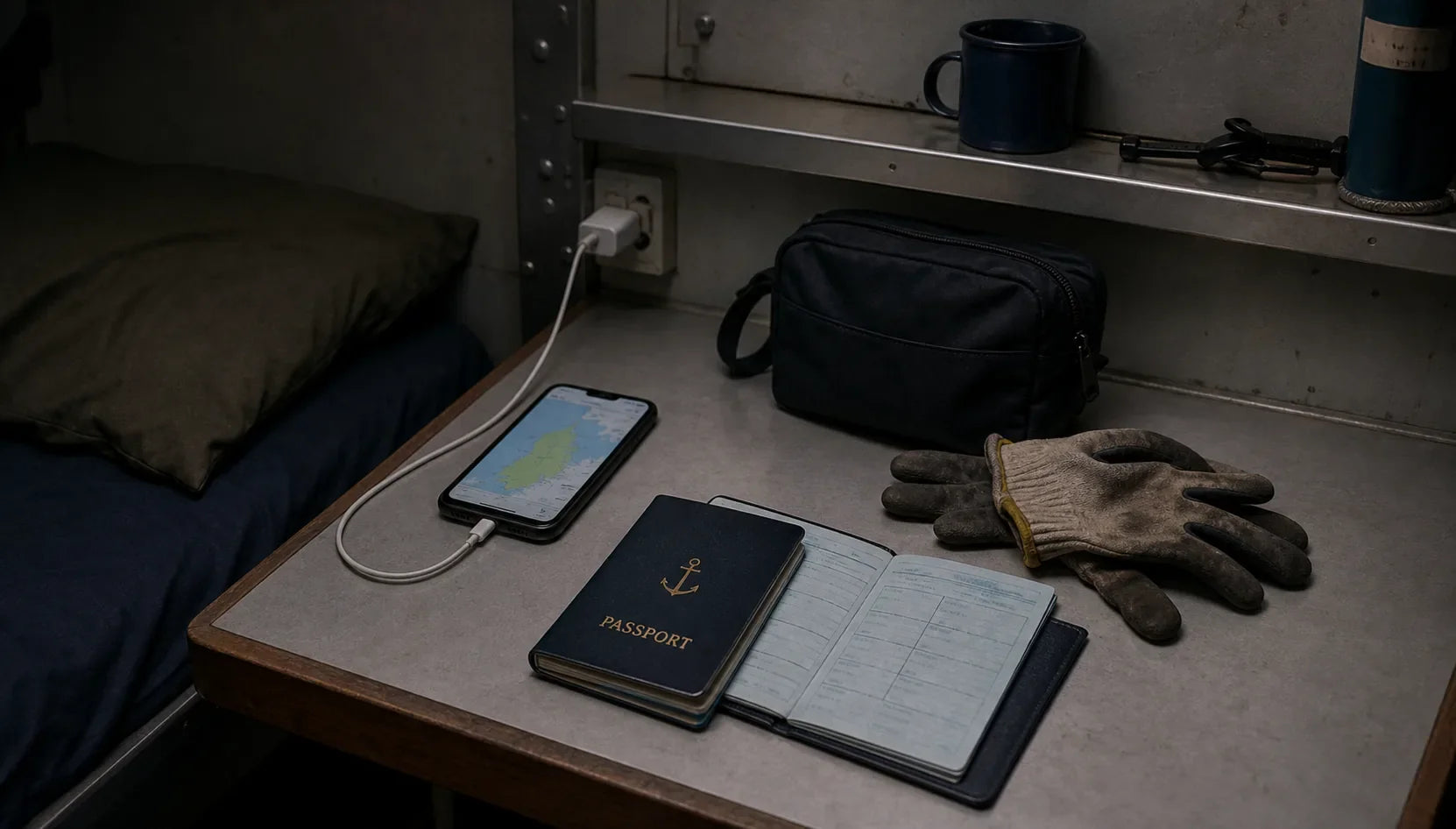
Before sign-on, the phone should already be ready. Once the gangway is up and the ship is sailing, weak signal, company Wi-Fi rules, roaming cost, fatigue, and watch schedules can turn a simple download into a problem.
Before sign-on: documents, offline maps, and access
A seafarer's phone should not become the only place where important documents live. Still, it can be a strong backup. Scanned copies of certificates, passport pages, seaman book details, medical papers, travel documents, joining instructions, vaccination records, and emergency contacts can save time when a port office, agent, airport counter, or company representative asks for proof.
Use a secure document app or encrypted storage, not a messy photo gallery. Keep filenames plain and searchable. Do not store passwords in screenshots. Do not keep sensitive documents in apps that other people can open from a locked screen.
One document deserves more than a scan. Before you sign a contract, read it against the rules that govern it. The free Seafarer Contract Checker app reads a seafarer employment agreement clause by clause against MLC 2006, ITF benchmarks and your flag state, then returns a color-coded report in about a minute. No account, nothing stored. It installs on the phone straight from the browser, so it works the same at a crewing office desk as in a hotel room the night before the flight.
Offline maps matter too. A seafarer center, port gate, bus stop, pharmacy, money exchange, SIM shop, or chapel may be close on a map and still difficult to reach after cargo operations, rain, security checks, or a short shore leave window. Download the port city before joining or before arrival when the connection is still stable.
Two-factor authentication is another overlooked issue. If your bank, email, crew portal, travel account, or messaging app depends on a home-country SIM, fix that before sign-on. At sea, a simple login problem can become a contract-long irritation.
At sea: family contact, notes, training, and privacy
Messaging apps help, but they do not remove the reality of shipboard communication. Internet at sea may be limited, expensive, filtered, slow, or unavailable during parts of a voyage. Families should understand that a missed reply does not always mean something is wrong. Slow weeks between ports are ordinary life at sea, not an alarm signal.
A notes app is often more useful than people expect. Crew use notes for watch handover reminders, shopping lists for port, SIM details, cabin measurements, training reminders, and small things that disappear from memory after a bad sleep.
Offline reading and training material also matter. A cadet, rating, deck officer, engineer, cook, or cruise crew member can use downtime better when essential manuals, PDFs, checklists, language notes, or study material are already on the device. Do not depend on streaming. Download what you need before the voyage.
Privacy is part of digital seamanship now. Shared cabins, shared charging spaces, public crew Wi-Fi areas, and borrowed cables create small risks. Use screen lock. Use password management. Avoid public USB charging where possible. Keep private family messages private.
App hygiene: permissions, storage, and roaming data
A phone that worked fine at home can fail at the gangway. The apps are fine. The maintenance never happened. Three habits prevent most of it.
Update ashore, not on board. App stores push large updates, and a ship connection that struggles with a text message will not carry them. Run updates in the crewing office, at the hotel, or at the airport before the flight. The same goes for offline map areas and language packs: big files, downloaded once, useful for months.
Check storage before you need it. Offline maps, training PDFs, and a contract's worth of scanned documents take space, and a phone full of old videos cannot download the joining port at the terminal. Clear it at home, where deleting is a decision and not an emergency.
Check permissions the way you check a mooring line: before load comes on it. An app that quietly uses location, microphone, or background data costs battery and roaming money, and on some vessels it can conflict with company rules on connected devices. In messaging apps, switch off automatic media download before you land. One family group chat full of videos can burn through a fresh prepaid SIM in a single evening. Background refresh is the same story. Off, unless an app truly needs it.
In port: shore leave, transport, translation, and welfare contacts
Shore leave is where apps become practical. Offline maps, translation, ride-hailing where legal, public transport, local emergency numbers, currency conversion, port-agent contact details, and seafarer-center locations can turn a short port call into something manageable.
The ITF Seafarers apps page offers app and ship lookup resources for seafarers who need to contact an ITF inspector, an affiliated maritime union, or the ITF helpline. That kind of resource belongs in a crew phone because not every problem at sea is solved inside the company chain.
Welfare support should also be easy to reach. SeafarerHelp, operated by ISWAN, is widely referenced as an international assistance service for seafarers and their families. Before adding country-specific contact details, check the current official site because helpline access and routing can change.
A phone cannot make shore leave longer. It can help a crew member waste less of it. Shore leave is also the few hours when crew stop dressing like a rank: jeans, trainers, a clean seafarer t-shirt instead of coveralls, and a phone that already knows the way to the seafarer center.
 Free crew appSeafarer Contract CheckCheck your contract clause by clause against MLC 2006 and flag state regulations. The check is free. On iPhone, Android or in the browser.
AIS and vessel tracking: useful, but not the whole truth
AIS tracking apps are useful for families, friends, and crew who want to see vessel movement. They can show last reported position, speed, destination, port calls, or route patterns depending on the data source and subscription.
But AIS is not magic. AIS depends on transmitted vessel data, receiving coverage, terrestrial or satellite collection, platform delay, and whether the ship's information is available through that service. Some positions are delayed. Some areas have weak coverage. Some vessels may not appear where a family expects them to appear.
That matters emotionally. A family member ashore can panic when a vessel marker does not move. A seafarer knows the screen is not the ship. It is a data layer. Useful, yes. Complete, no.
An AIS app can reduce uncertainty. It cannot replace official company communication, welfare support, or direct contact from the crew member. Families deserve to hear that clearly before they start refreshing a map every hour.
Apps for seafarers: mental health and welfare
Mental health apps can help with breathing exercises, sleep routines, journaling, mood tracking, meditation, or private notes during a long contract. They can be useful in a cabin after a rough watch or during a lonely port stay.
They are not a replacement for real help. If a seafarer is in danger, being threatened, abandoned, unpaid, seriously unwell, or unable to cope, a general wellness app is not enough. Welfare organizations, union channels, company procedures, medical help, port welfare workers, chaplains, and emergency contacts matter.
The phone should make help easier to find, not pretend that help is only digital. For the wider subject, read our guide to mental health for seafarers.
What cruise guests should understand about apps
Cruise guests often think of apps as convenience: dining times, deck plans, excursions, accounts, messages, reservations, and boarding information. For cruise crew, those same systems can mean guest questions, queue pressure, schedule changes, service recovery, and extra work at the gangway, front desk, restaurant, cabin corridor, or shore excursion meeting point.
A good cruise guest downloads the cruise line app before boarding, checks the rules, reads the schedule, and avoids turning every basic app issue into an urgent crew problem. That is not about being distant. It is about respecting the people who already carry the ship's service load.
This is where the cruise guest app topic belongs inside 7SHORT1LONG®: crew respect, not travel hacking. If you are sailing as a guest, start with Support The Crew Behind Your Cruise.
A simple pre-sign-on phone checklist
Before joining a ship, prepare:
- Offline maps for joining port and likely first ports
- Secure scans of key documents
- Your contract, checked clause by clause before you sign it
- Bank and email access that does not depend only on one SIM
- Messaging apps used by family and company contacts
- Emergency and welfare contact list
- Translation app with offline language packs where possible
- PDF reader and training files
- Notes app or notebook backup
- App updates, map downloads, and storage cleared while still ashore
- Photos of luggage, gear, and packed documents
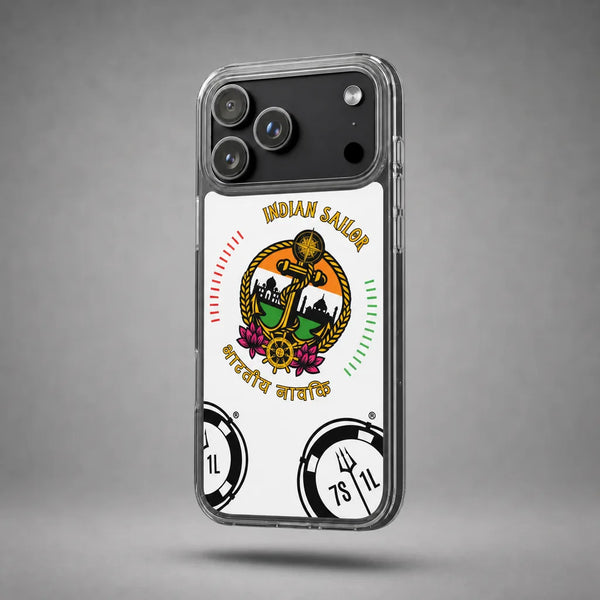
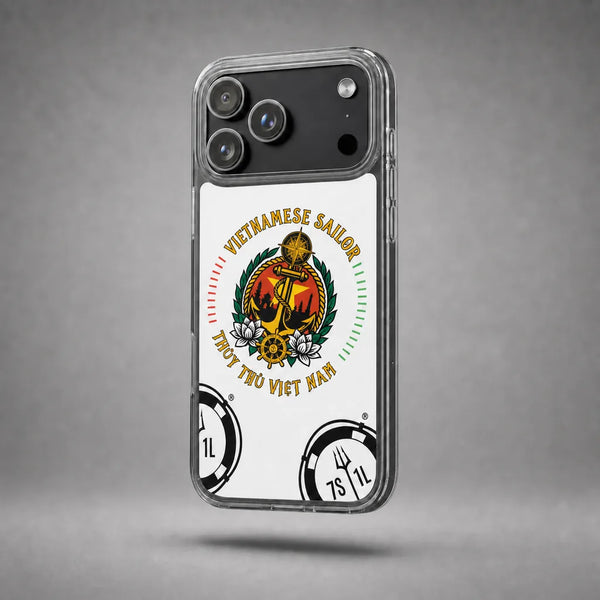
- A case that protects the phone on deck and at the gangway, like a maritime iPhone clear case
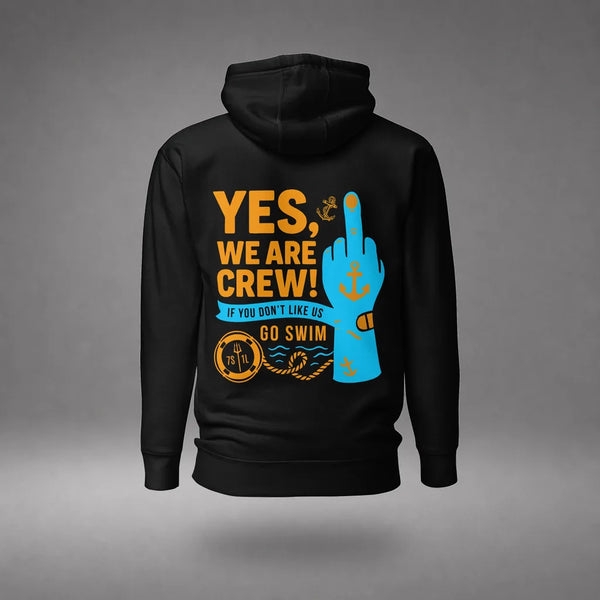
- A seafarer hoodie for the cold flight out and the colder mess room
- Charging cable, adapter, power bank, and a way to label your gear
The phone is not the job. It is a small tool that makes the job less messy.
Source note
External resources referenced in this article. Contract and MLC references here are editorial context for crew, not legal advice.
- ITF Seafarers: Apps and ship lookup resources
- SeafarerHelp (ISWAN)
- U.S. Coast Guard Navigation Center: AIS overview
FAQ
What apps should seafarers install before joining a ship?
Start with secure document storage, offline maps, messaging, banking access, translation, PDF reading, notes, and welfare contacts. Install and test them before sign-on.
Is there an app to check a seafarer contract before signing?
Yes. The free Seafarer Contract Checker runs in the browser and installs on the phone, and it reads the agreement clause by clause against MLC 2006, ITF benchmarks and the flag state you select. It needs no account and stores nothing.
Do AIS tracking apps show every ship in real time?
No. AIS apps depend on data coverage, transmission, receiver networks, satellite or coastal collection, and platform delay. Treat them as useful tracking tools, not guaranteed live truth.
What apps help during shore leave?
Offline maps, translation, transport, currency conversion, local emergency information, seafarer-center resources, and welfare contact tools are the most useful during limited shore leave.
Are mental health apps enough for seafarers?
No. They may support sleep, journaling, breathing, or routine, but they do not replace welfare organizations, medical help, union support, company procedures, or emergency assistance.
Should cruise guests use cruise line apps?
Yes. A prepared guest can reduce avoidable pressure on crew by checking boarding details, dining times, deck plans, account information, and excursion instructions before asking staff to solve basic app issues.
YES, WE ARE CREW.
Gear for the watchShip Type T-Shirts · Ship DepartmentBuild your Sign On Set · Build your Sailor Set